 AlertForge
Follower alerts
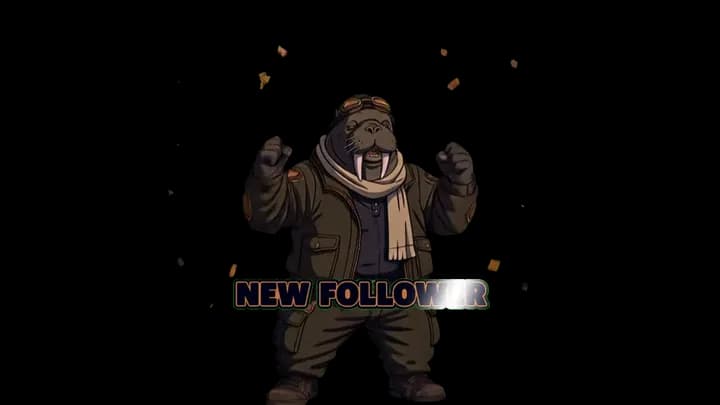
A quick, happy moment every time someone new follows you on Kick.
Kick alerts
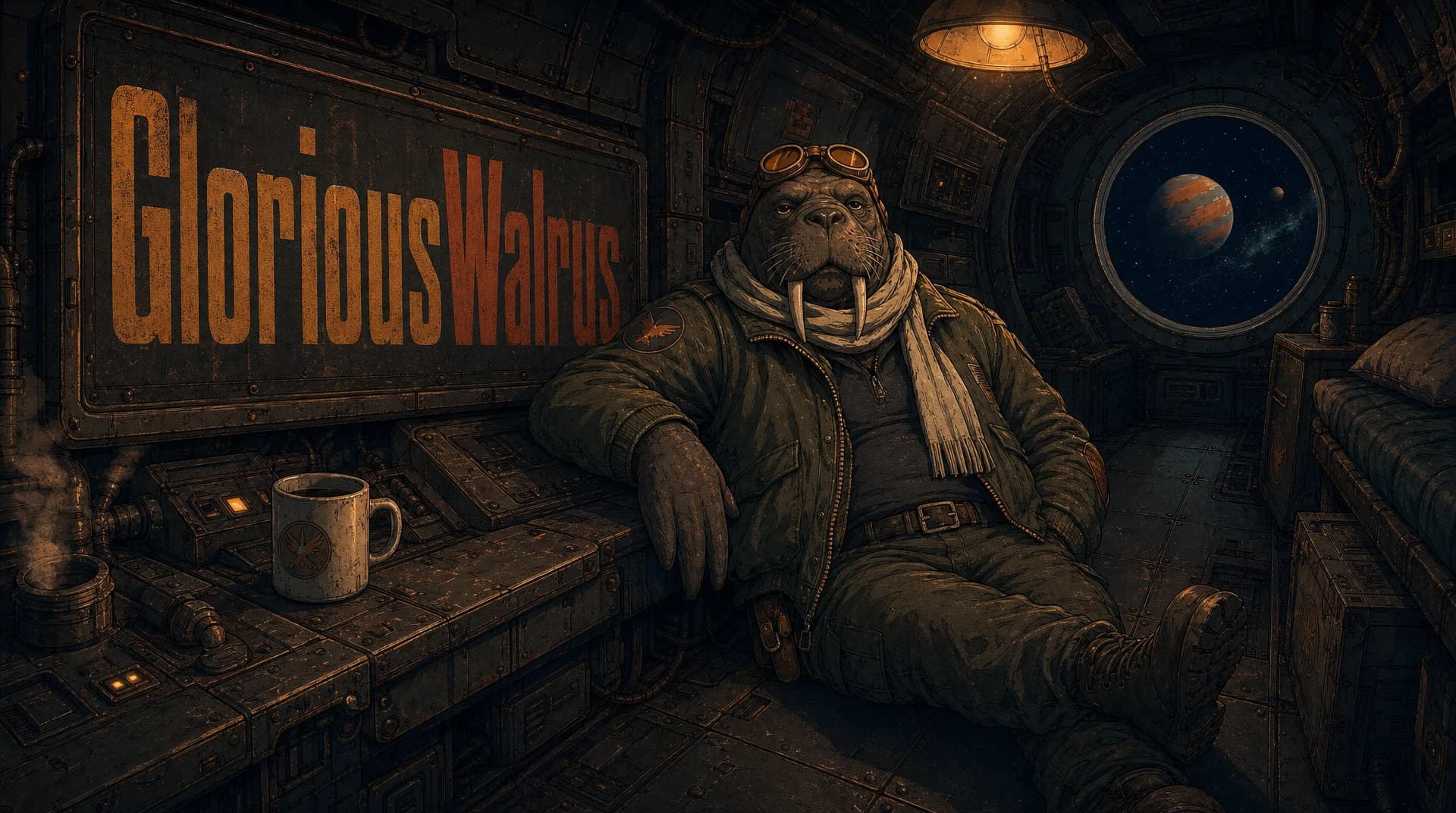
Turn your logo or mascot into animated alerts for follows, subs, donations, and hosts. Every alert shares your look, and downloads as a transparent WebM ready for OBS and your alert widget.
Works with OBS, StreamElements, and Streamlabs.
Made with AlertForge
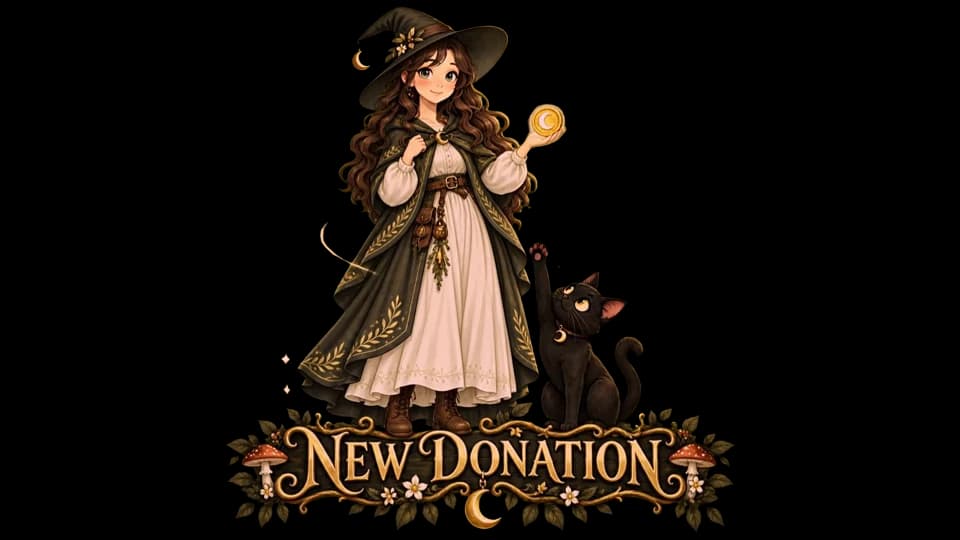
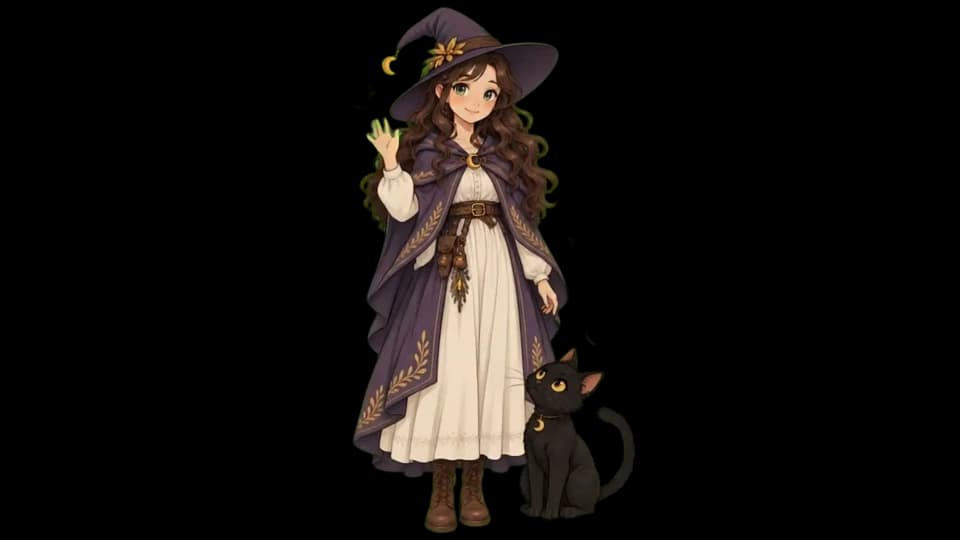
Real alerts from AlertForge packs, shown on a checkerboard. Every file is a transparent WebM, so only your alert appears on stream.
What you can make
A quick, happy moment every time someone new follows you on Kick.
A bigger celebration for new subs, starring your character.
A dedicated animation for tips, while your widget shows the name and amount.
A thank-you moment when another streamer hosts you.
Arcade, anime, horror, lo-fi, or something all your own.
Every alert uses the same character and colors, so your stream feels put together.
How it works
Upload your logo or mascot, or describe one. Approve a free style sheet and it becomes the star of every alert.
Choose the Kick moments you want alerts for. You see the credit cost before you generate.
Watch every alert, redo any you don't love, and keep the ones you do.
Upload each WebM to your alert widget, link it to the matching Kick event, and add the widget to OBS.
To play alerts automatically, connect your channel to an alert widget, upload your WebM files, and add the widget to OBS as a Browser Source. Read the Kick setup guide.
Compare
| What you need | AlertForge | Doing it yourself |
|---|---|---|
| Starting point | Your idea, logo, or character | Find or make every file yourself |
| Matching look | One style guides every alert | Line up colors and style by hand |
| Files | Transparent WebM, ready for your widget | Export and convert each file |
| Changes | Redo one alert, keep the rest | Re-edit or replace files yourself |
Questions
Bring your character, pick the alerts you need, and download transparent WebM files ready for your alert widget.
Explore