 AlertForge
Bring your character
Upload your mascot or logo, or describe one. You approve a free style sheet before anything is charged.
Stream alerts for Twitch, YouTube, and Kick
Upload your mascot or describe one, and get alerts for follows, subs, donations, bits, gifted subs, hosts, and raids. Each one downloads as a transparent WebM for your alert widget. No other stream assets needed.
Uploading your character is free.
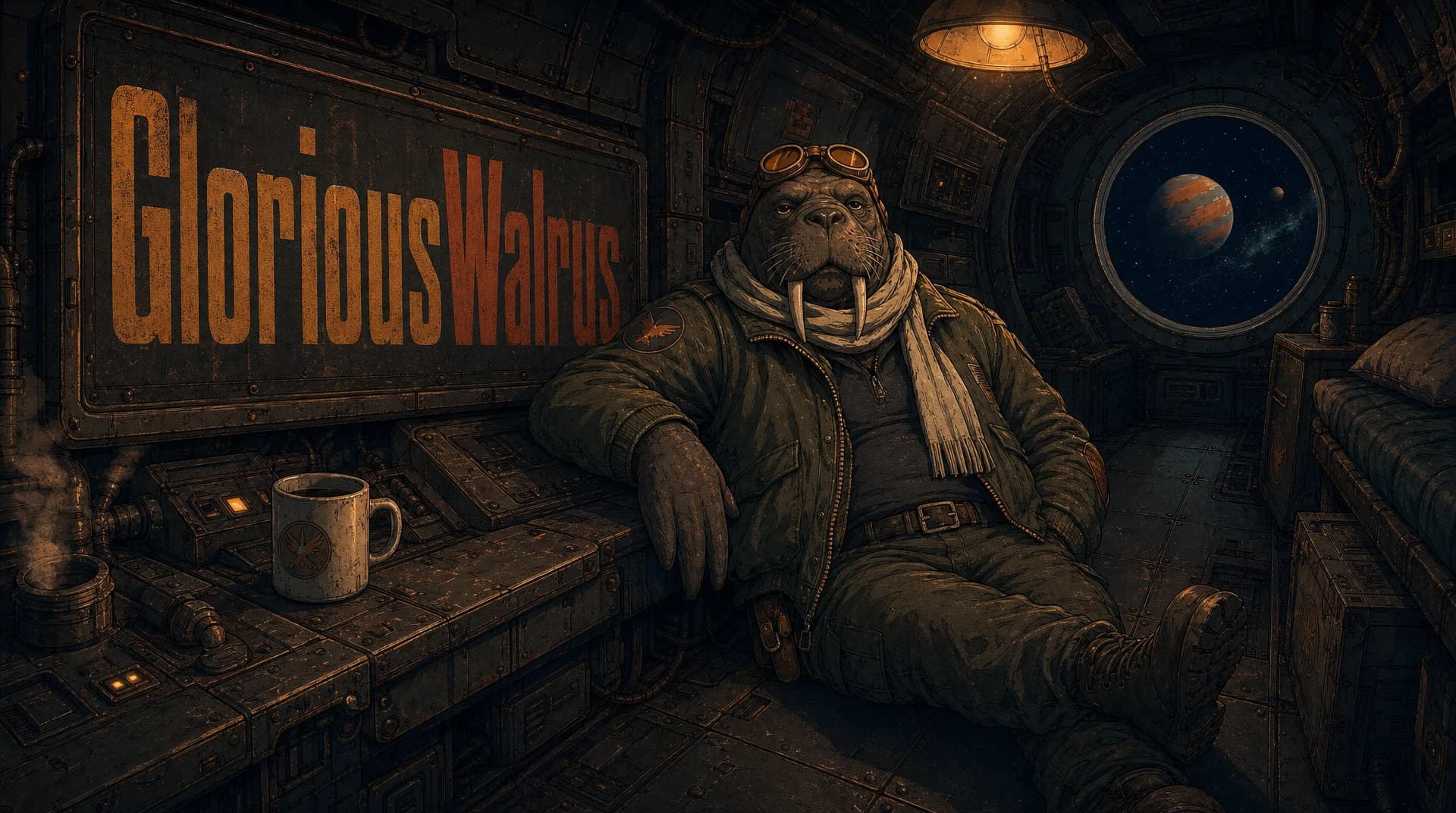
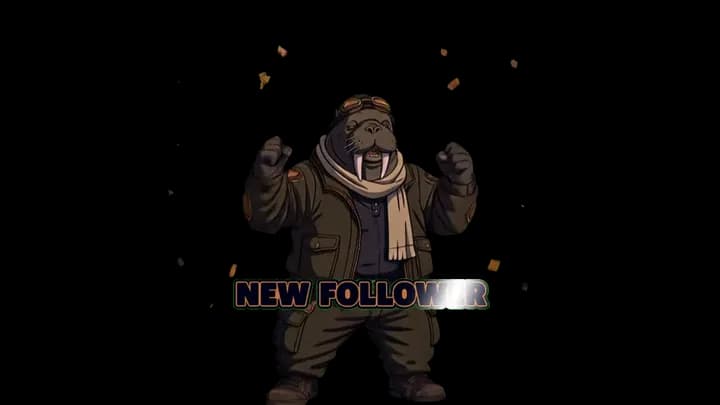
Made with AlertForge
Real alerts from AlertForge packs, shown on a checkerboard. Only the alert appears on your stream, never a box around it.
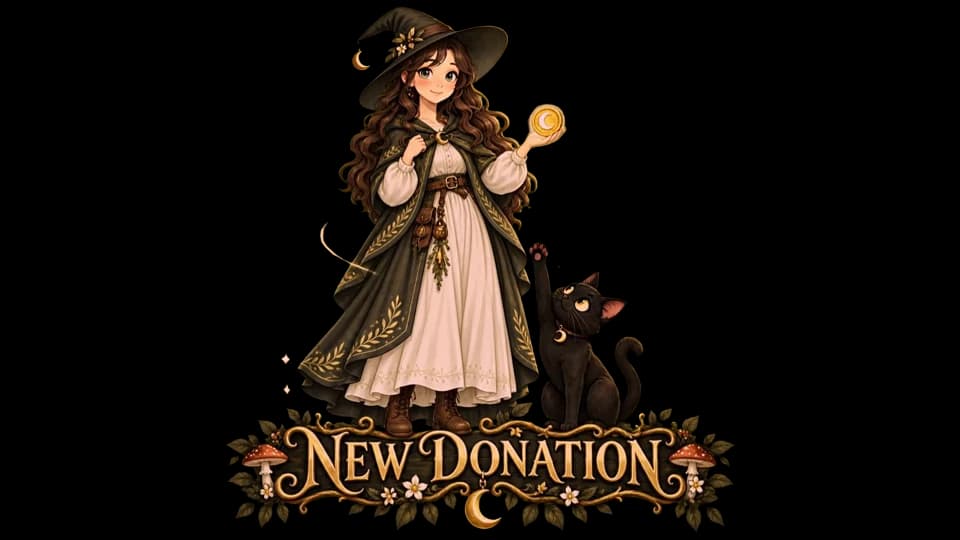
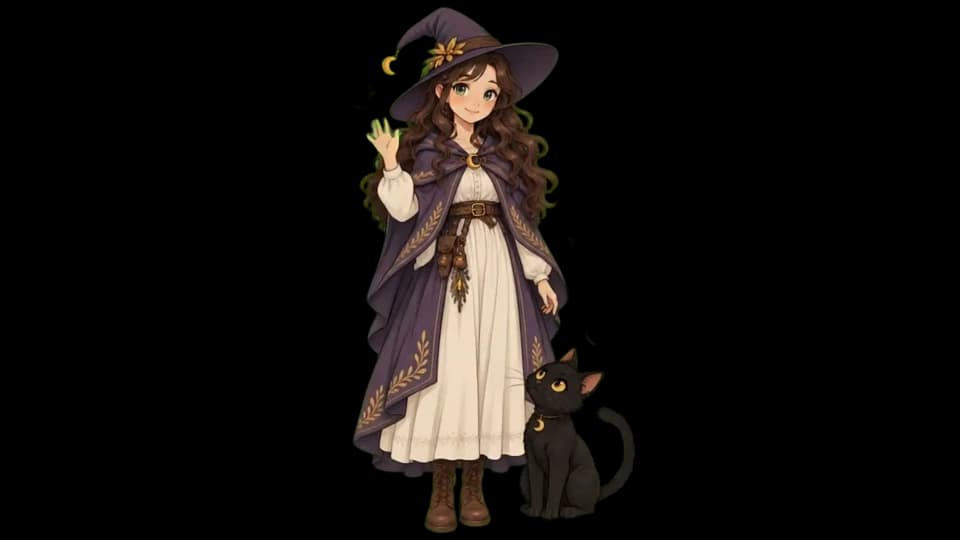
Alert types
Pick any of them. Each is its own animation, so a raid never looks like a follow.
How it works
Upload your mascot or logo, or describe one. You approve a free style sheet before anything is charged.
Turn on the alerts you want, change the text on each, and choose Standard or Pro.
Every alert downloads as a transparent WebM. Upload them to your alert widget and you're set.
No character yet? Describe one and your free style sheet creates it. Want scenes, panels, or emotes too? Add them to the same project any time. Setting up on a specific platform? See Twitch, YouTube, or Kick.
Quality
Both tiers use Kling 3. Choose the quality for each alert, and see the exact cost before you generate.
Great for most streams and the lowest cost.
Sharper, more detailed motion for your biggest moments.
Questions
Your first style sheet is free. You see the exact credit cost before you choose which alerts to make.
Explore