
Twitch follow alerts
Transparent clips for follower moments, ready to review before widget setup.
WebMTransparent
One-time purchase · No subscription
Pay securely with Stripe, then create a new Style Sheet and build the matching scenes, alerts, and channel assets.
Basic Pack
Your core channel look, plus five alerts and a stinger.
Full Pack
One complete animated stream identity, ready to review and set up in OBS.
Full Pack+
A complete animated identity with more room to review and refine it.
Secure one-time Stripe checkout · then create your new Style Sheet.
Create month after month
Pro covers a typical complete animated pack each cycle. Starter is for individual assets; Max and Ultra add more monthly creation room, with Viewer Alerts on both.
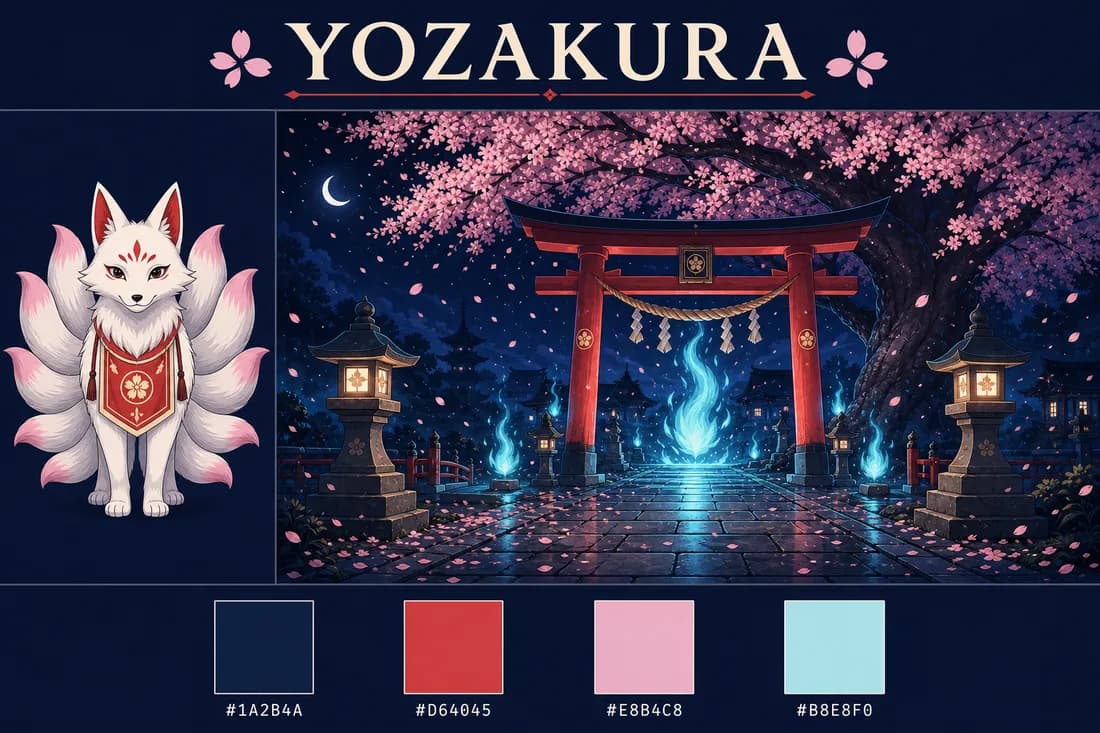
Theme
Nine-tail kitsune · Night shrine · Sakura petals
Creative brief · Approved direction
This real AlertForge example starts with a style sheet, then uses its character, scene direction, and palette as references for the generated pack. Review each result, then buy one identity or choose a monthly plan when you want to keep creating.
What you get
This example shows the deliverables in a Full Pack: scenes, panels, labels, sub badges, emotes, alert videos, a stinger, cam frame and style sheet. They are generated from the style sheet you approve; review the outputs before downloading the pack for your stream.





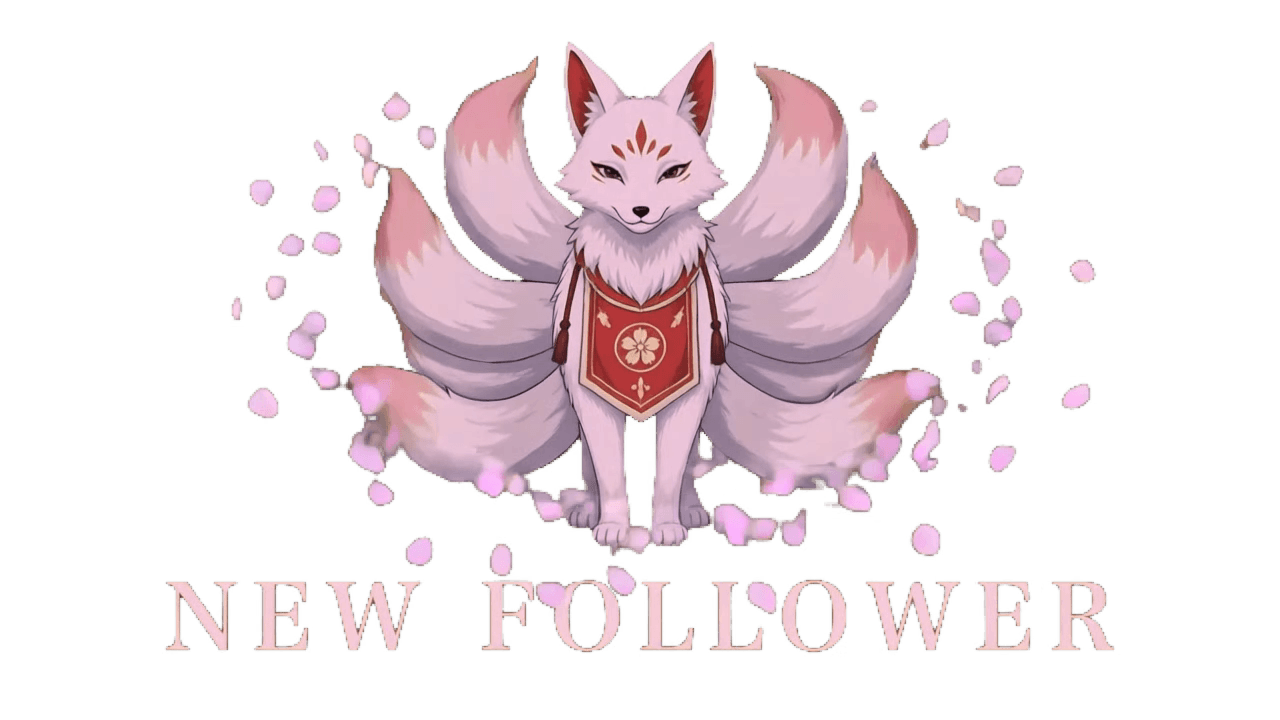
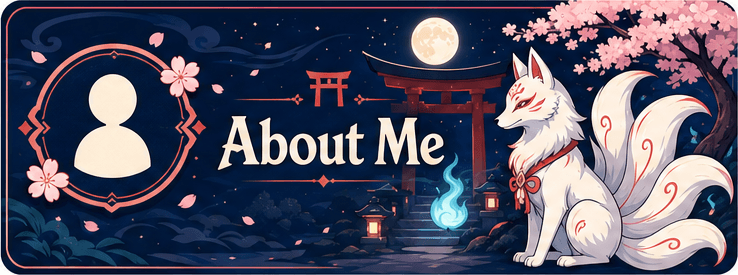
7alert videos
4stream labels
5stream scenes
6sub badges
The source of truth
Approve the character, typography, and palette on the sheet first. The generator then uses that direction as a reference for each scene, badge, emote, alert, and stinger; review every output before export.
Starting Soon, BRB, Just Chatting, and Ending scenes can be animated with motion intended for repeated playback. Preview the finished WebM and check its restart point in your scene before going live.
Download the selected WebM and add it to OBS as a local Media Source.
Buy a one-time Stream Identity pack, then create its Style Sheet and included assets. Or choose a monthly allowance when you want to keep making new drops and seasonal updates.
WebM
OBS-ready · transparent
25%
annual savings
Forever
top-up credits never expire
Choose a one-time pack and pay securely with Stripe. Then create its Style Sheet and build the included scenes, panels, alerts, and channel assets.
Alerts export as transparent WebM with a real alpha channel. Add the downloaded file to OBS as a Media Source or upload it to a connected widget as custom media.
One credit wallet covers the alerts and the overlay pack, so the subscriber alert and the Starting Soon screen come out of the same balance and share the same design sheet.
Animated scenes are prompted for repeated playback and can be previewed before export. Review the restart point in your own OBS scene before going live.
Choose one complete pack or a renewable monthly allowance.
One-time packs have no recurring charge. Annual plans cost exactly nine monthly payments for twelve months of plan access.
What creators render
Follow, sub, donation, raid, super chat, viewer tip — every alert below renders from the same style sheet as your scenes, panels, and stinger. One credit wallet covers the whole pack, on Twitch, YouTube, and Kick.
Transparent clips for follower moments, ready to review before widget setup.
Cinematic donation media with optional generated audio.
Reference-guided media for custom alert slots connected to YouTube events.
Subscriber and gift-sub variants with editable titles and creative direction.
Generated media for raid and host event slots in a compatible alert widget.
Transparent WebM for a custom-media widget connected to Kick events.
A dedicated bits variant guided by the same approved reference as the set.
Custom alerts requested through a viewer's Stripe Checkout tip and delivered to the live overlay after generation.
Compare plans
Frequently asked
One complete rebrand
Buy the Full Pack once for $39, then create its new Style Sheet and generate five reference-guided scenes, all seven alert videos, panels, labels, a cam frame, badges, emotes, and a stinger.
One-time Stripe checkout · no subscription · create your Style Sheet after payment · Talk to us
Starter
Individual assets and smaller channel updates.
per month, billed monthly
For individual alerts, still scenes, and building your stream identity piece by piece.
Monthly creation allowance
240 credits per month
Pro
One complete channel refresh each month.
per month, billed monthly
Enough monthly creation allowance for a typical complete animated stream identity.
Monthly creation allowance
540 credits per month
Max
Frequent drops plus Viewer Alerts.
per month, billed monthly
For frequent launches, seasonal refreshes, and viewer-funded live alerts.
Monthly creation allowance
1,080 credits per month
Ultra
High-volume, multi-client production.
per month, billed monthly
The largest monthly creation allowance for studios and multi-client production.
Monthly creation allowance
1,800 credits per month